Tool
A tool is the lowest level abstraction in Autessa. You use this component to do the smallest building block of workflow automation.
If we were to consider "flows", a tool would be the node that runs for the flow.
Defining a Tool
View ToolsOn the top right of the screen, select "Create a Tool".
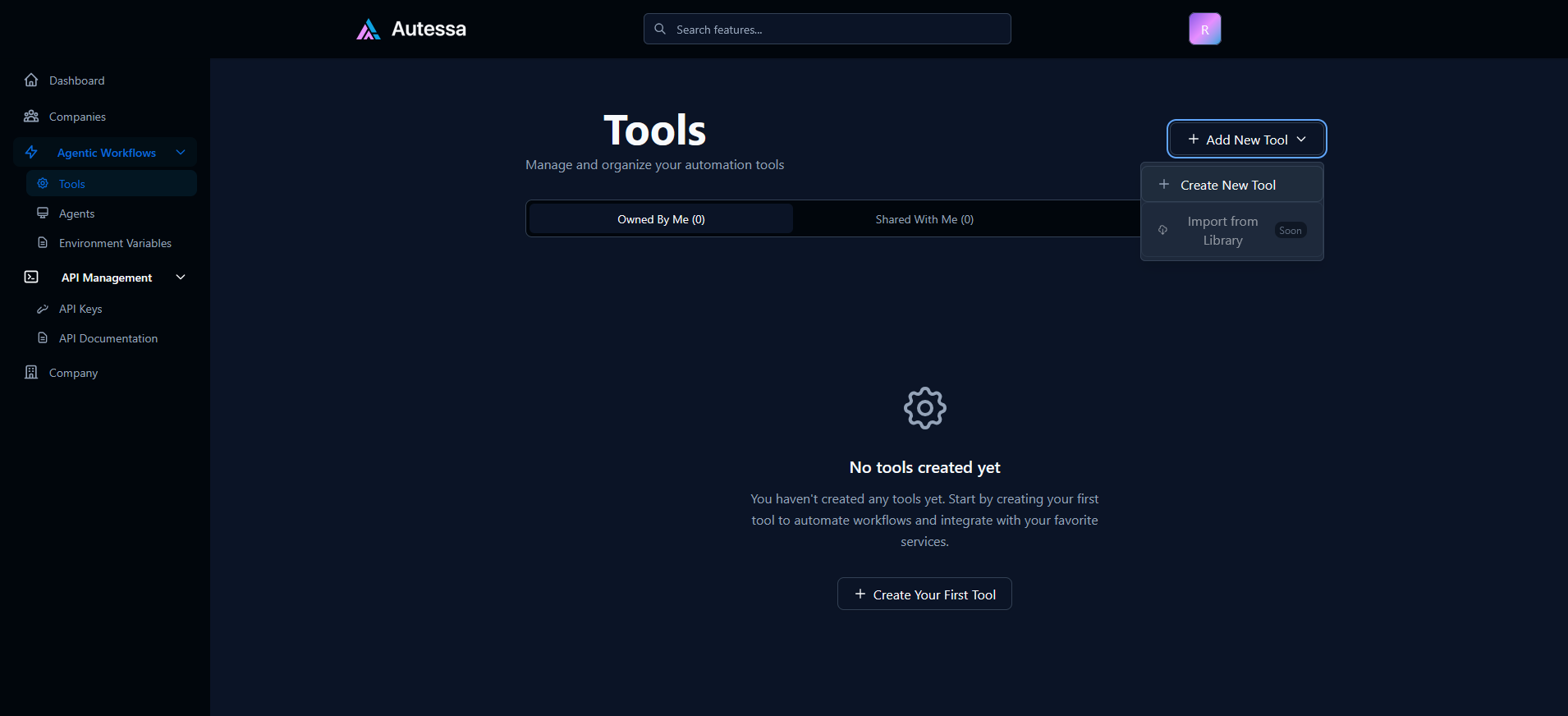
Every tool requires a name and a description. The name should be intuitive to what your tool does. For example, if your tool gets the weather, "GetWeather" would be a good name.
Your description should be a detailed description in what the tool does and when to use the tool.
Choosing Tool Type
Autessa offers multiple integrations to make it easier to build the tool that you want.
Autessa Script
Autessa Script is a language built on top of JavaScript to make it possible to write whatever you want.
For a full documentation on Autessa Script features, see here:
Autessa ScriptAPI Call
You can use this tool to make a GET, POST, or PATCH call to an API. This API can be something that you are hosting yourself somewhere, or can be an API that someone else is hosting.
For example, if I wanted to get the weather, I can use a get weather API to get the weather for a given location.
OpenWeather APILLM Call
When invoking an LLM, you can provide a "prompt template", or some way to generate an LLM output given some dynamic fields.
For example, if I want to use a tool that generates a summary, I can add a prompt template that instructs the LLM to generate a summary.
Creating Arguments
On the left sidebar, you can specify the arguments that you want to build your tool. These arguments are the parts that are passed "dynamically" to the tool.
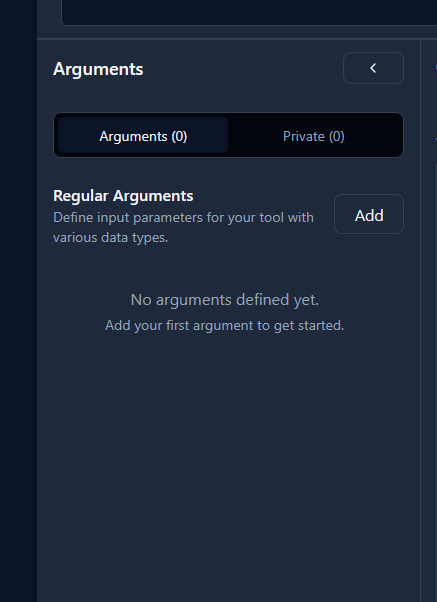
For example, for our weather tool, we may need arguments such as latitude and longitude to be passed.
For every argument, you will want to give a detailed explanation on what the argument is and how to use it.
Private Arguments
On the tab for arguments, you will notice an extra tab for "private" arguments. These come into play when an agent uses a tool.
For some arguments, you may not want an LLM to be involved in the collection of an argument (consider a credit card number, for example). In this case, you can specify arguments that are "private" that are NEVER stored in any Autessa history, and are collected only in-memory.
Private arguments are NEVER stored in any history. When collecting senstive data from a user, use private arguments.
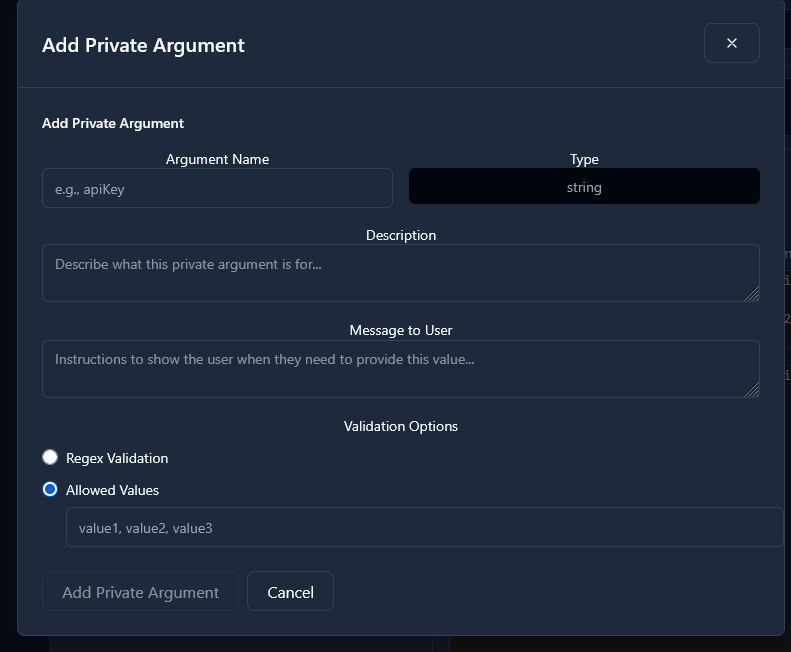
Because private arguments are "manually" collected, the description is less important, and the message to user is more important to be clear. We also support regex validation to ensure that the user provided the argument in the format you are expecting.
Testing your tool
After saving your tool, you are able to test your tool to see if it works as you expected by pressing the button on the top right side of the screen.
You have the ability to execute a tool with and without streaming enabled.
Streaming enabled can be useful if you are using functions that may take longer to run. If they take longer to run, you can stream updates to the user about the status during a tool.